Keep breeds, Doodle crosses, generation labels, genetic markers, parent-breed health testing, and kennel history separated and searchable.

SHOWSTOCK™ FOR DOG SHOW & BREEDING OPERATIONS
From the first pedigree to the winner’s ring.
Keep show dogs, Doodle and mixed-breed genetics, working K9 identifiers and certifications, health testing, breeding plans, puppy litters, expenses, and title progress in one organized account.
Choose Dog Show & Breeding or Livestock and Dogs during account creation.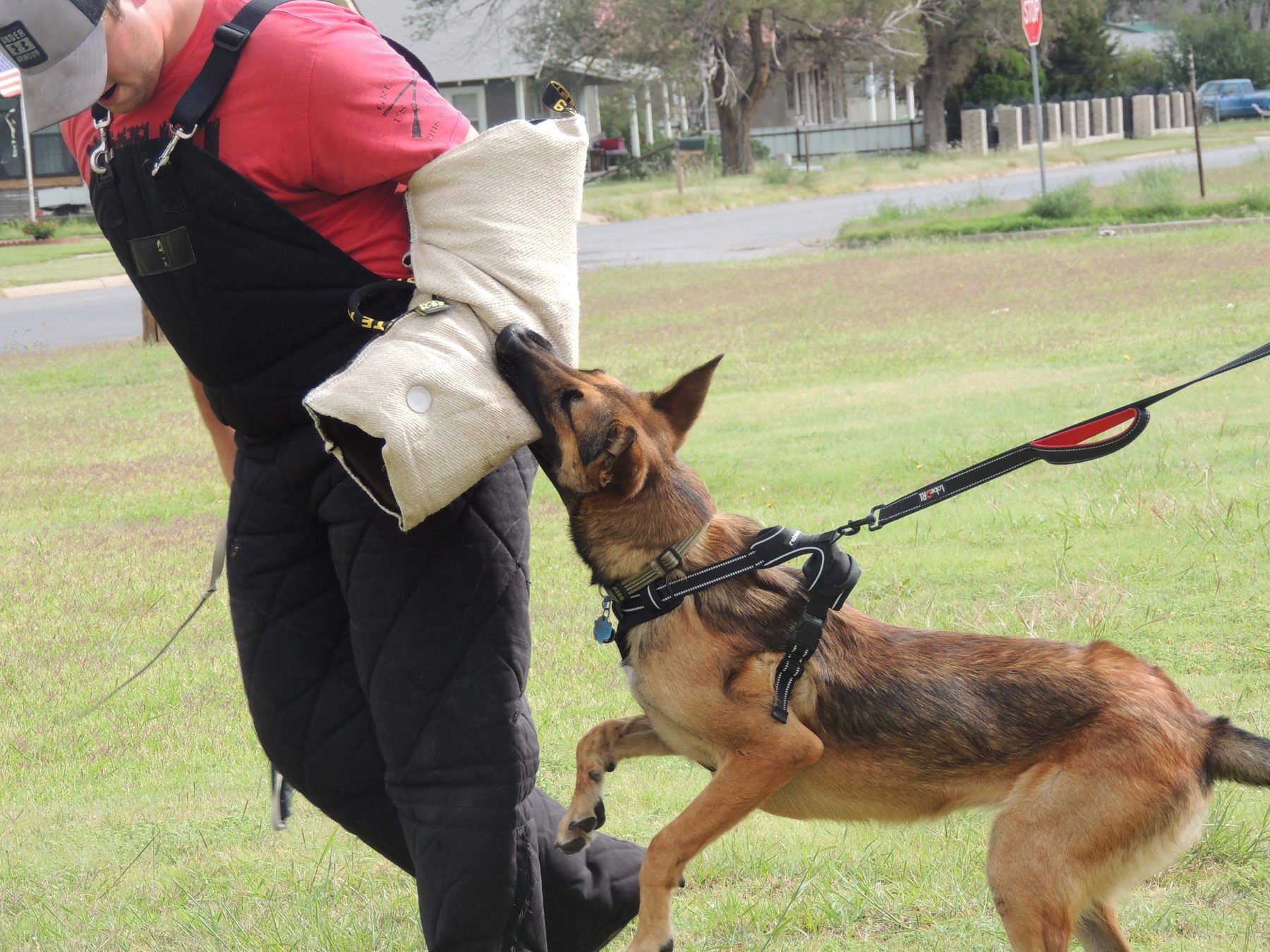
One kennel history.
ProfilesRegistration · microchip · health
BreedingsHeat · testing · whelping timeline
Show ringPoints · majors · titles · photos
ReportsSpreadsheet · PDF · every period
Connect each dog’s profile to classes, judges, results, championship points, major wins, title progress, travel, and media.
Organize KNPV, law-enforcement, military, detection, search-and-rescue, service, and other working-dog records without storing protected operational details.
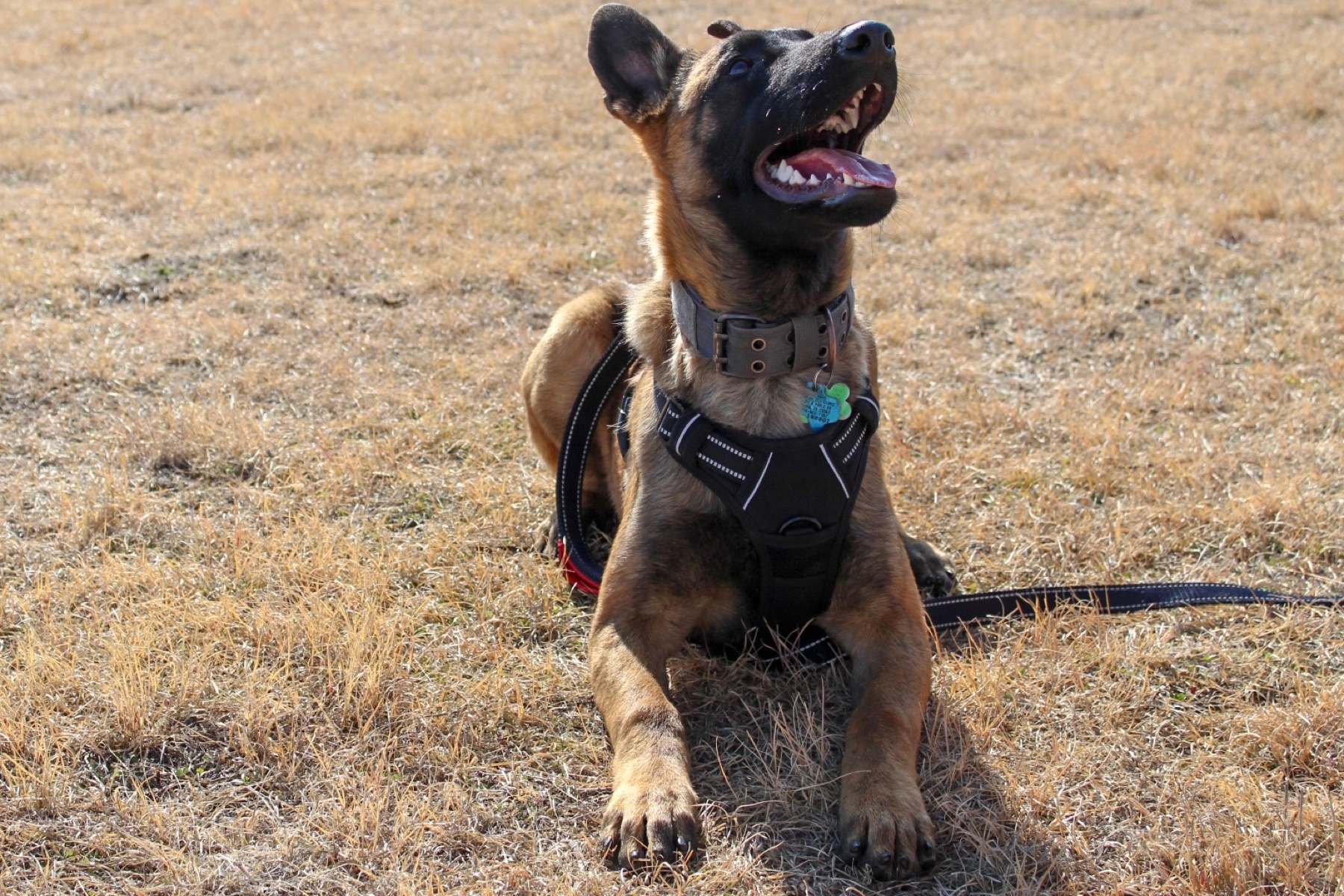
REAL WORKING-K9 PHOTOGRAPHY
Records built around the real work.
Keep training hours, disciplines, certifications, handlers, renewals, health records, media, and releasable working history together—without storing confidential case or tactical information.
DOODLE & MIXED-BREED RECORDS
Record the generation—and the evidence behind the coat.
Generation labels describe the documented mating. They do not guarantee shedding, coat, size, temperament, health, or an exact DNA percentage.
Typically records one purebred parent from each of two breeds—often described as an approximate 50/50 pedigree contribution.
Records an F1 bred back to one parent breed—often described as an approximate 75/25 pedigree contribution.
Records an F1B bred back again to one parent breed—often described as an approximate 87.5/12.5 pedigree contribution.
Record the actual sire, dam, pedigrees, and test sources rather than relying on the label alone.
CANINE RECORDKEEPING
Everything behind the dog.
Dog accounts open a canine-only workspace. Cattle, swine, sheep, goat, and other livestock pages and records stay out of view.
Dog profiles
Breed, variety, color and markings, registration, microchip, tattoo, photos, videos, documents, ownership, and status.
Pedigrees
Keep sire, dam, grandparents, and a three-generation pedigree together with each dog’s permanent record.
Health & genetics
Store OFA, CHIC, PennHIP, DNA panels, genetic markers, certificates, veterinary records, and breed-specific results.
Doodle & mixed-breed genetics
Record both parent breeds, generation label, documented ancestry, parent-breed health screening, laboratory sources, and coat-trait results without presenting estimates as guarantees.
Working K9 records
Keep agency, military, KNPV, BRN, registry, microchip, handler, certification, discipline, renewal, training-hour, and releasable service records.
Breeding timelines
Record heat cycles, progesterone testing, sire and dam, service dates, veterinary checks, and an editable approximate whelping window.
Puppy litters
Save whelping outcomes, birth order, colors, weights, collars, microchips, registrations, neonatal notes, and placements.
Show results
Track classes, judges, placings, championship points, major wins, title progress, comments, expenses, and win photos.
Placements & finances
Document buyers, transfers, contracts, go-home records, breeding costs, veterinary expenses, entries, travel, and income.
Downloadable reports
Create daily, weekly, monthly, quarterly, yearly, or all-time spreadsheet and PDF reports from the same private operation.
START IN FOUR STEPS
Choose dogs when you create the account.
No separate program, download, or login is required.
- 1Create or open your accountUse your own email and password—no ChatGPT account is required.
- 2Choose your account useSelect Dog Show & Breeding, or Livestock and Dogs.
- 3Open the Canine CenterThe dedicated canine page appears automatically after sign-in.
- 4Add your first real dogStart the permanent profile, then connect pedigrees, health, breeding, litters, shows, costs, and reports.
RESPONSIBLE RECORDKEEPING
Support for official records—not a replacement.
Showstock stores the information and documents entered by the customer. Verify pedigrees, ancestry estimates, registrations, KNPV and working-dog certificates, points, health results, breeding decisions, and medical care with the applicable agency, registry, laboratory, veterinarian, certifying organization, and current rulebook. Never enter confidential case or tactical information.